

How to create a skill
You typically create a skill by asking the Agent to author one directly, for example after it works through a task you expect to repeat. The skill records the reusable process rather than the one-time result of the run. Skills persist across sessions, so a procedure remains available after the conversation or run that created it has ended.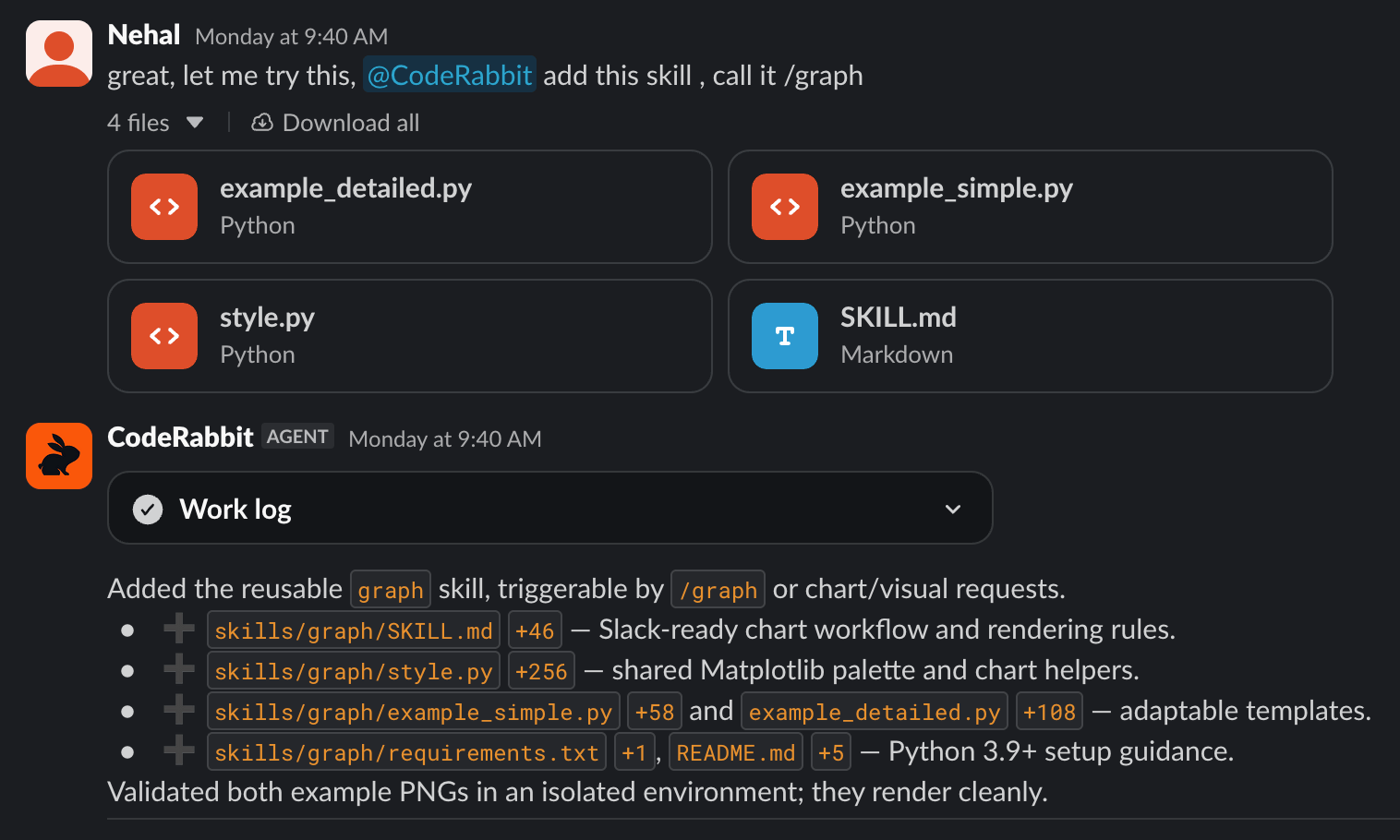
CodeRabbit Agent authoring a durable skill
Using a skill
In later runs, the Agent can invoke a stored skill automatically when a request matches its purpose, or you can explicitly ask the Agent to use a specific skill by name. The skill guides the Agent through the established procedure while the current conversation, repository, connected tools, and permissions provide the context for that specific run. Later runs include automations, so scheduled or trigger-based recurring operational tasks can invoke the same stored skill as conversational runs.Skill availability in Slack
In Slack, durable skills follow the same privacy boundaries as durable facts.Create the skill from the Slack surface where you intend to use it. Skills created in private channels, DMs, or group DMs are not available in public-channel workflows.
Viewing saved skills
Review saved skills in the web app under Slack > Knowledge base > Skills, alongside the durable facts captured in the same workspace or private conversation. Skills can be edited by asking CodeRabbit Agent in chat to update, correct, or remove the procedure.What’s next
Automations
Run saved skills on a schedule or in response to matching events.
Knowledge Base
Learn how durable facts give the Agent reusable knowledge alongside durable procedures.
CLI Skills
Install static SKILL.md packages for compatible coding agents.