

Platform support
GitHub
Use a PR comment command or the CodeRabbit Walkthrough checkbox.
GitLab
Use a merge request comment command.
Azure DevOps
Use a pull request comment command.
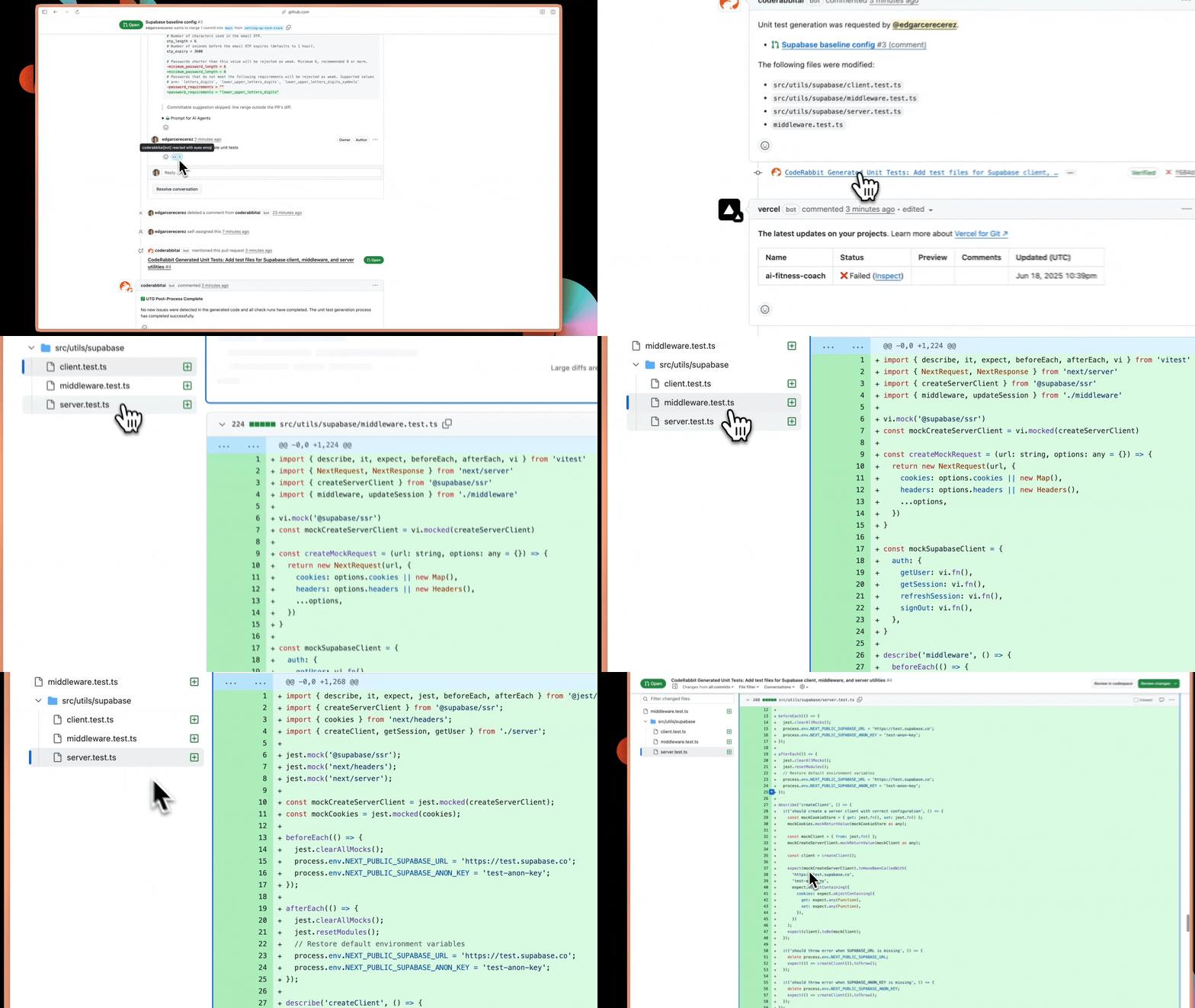
PR comment command
Type
@coderabbitai generate unit tests in a GitHub, GitLab, or Azure DevOps pull request or merge request comment to generate tests automaticallyUI checkbox
On GitHub, use the Generate unit tests checkbox in the CodeRabbit Walkthrough for one-click generation
How it works
1
Request test generation
Comment
@coderabbitai generate unit tests in your PR or merge request on GitHub, GitLab, or Azure DevOps. On GitHub, you can also check the box in the CodeRabbit Walkthrough.2
Context-aware analysis
CodeRabbit examines your code changes with full context - understanding your
testing frameworks, existing patterns, and team guidelines from previous
reviews to identify what needs coverage
3
Intelligent test generation
Tests are generated based on your project’s specific context, including
proper mocking strategies, framework conventions, and edge cases that matter
for your codebase
4
Choose delivery method
Receive tests in a separate PR or as a new commit on your current PR
branch
5
Automatic CI integration
For separate PRs, CodeRabbit analyzes available CI workflows and fixes build failures, import errors, and dependency issues automatically
Output delivery options
- Separate PR
- Same PR commit
Recommended for most teams CodeRabbit creates a new pull request
containing all generated tests. This approach keeps your feature PR focused
while allowing independent review of test code. Key advantage:
CodeRabbit automatically fixes CI/CD integration issues. If tests fail due
to missing dependencies, import errors, or configuration problems,
CodeRabbit analyzes your GitHub Actions logs and pushes fixes. This means
you get working tests, not just test code that looks right.
Path-specific customization
Configure test generation for different parts of your codebase using.coderabbit.yaml:
What’s next
Finishing Touches overview
See all available finishing touches and how to trigger them from any PR
Autofix
Automatically implement fixes for unresolved CodeRabbit review findings
Resolve merge conflicts
Let CodeRabbit analyze the intent behind conflicting changes and commit a clean resolution to your branch