

Initiating Planning
Manual Planning
There are two ways to trigger Planning manually:CodeRabbit Command
Comment
@coderabbitai plan on any GitHub Issue to generate a plan.Checkbox
When Issue Enrichment is enabled, CodeRabbit posts a comment on new issues
with a Create Plan checkbox. Check the box to generate a plan.
Auto-Planning (Recommended)
Automatically generate plans when specific labels are added to issues.- Using configuration file
- Using the Web Interface
Label Matching Rules
Exclusion labels (starting with
!) always take priority over inclusion
labels.Viewing and Refining Plans
Once a Coding Plan is generated, CodeRabbit posts the full plan as a comment on the issue.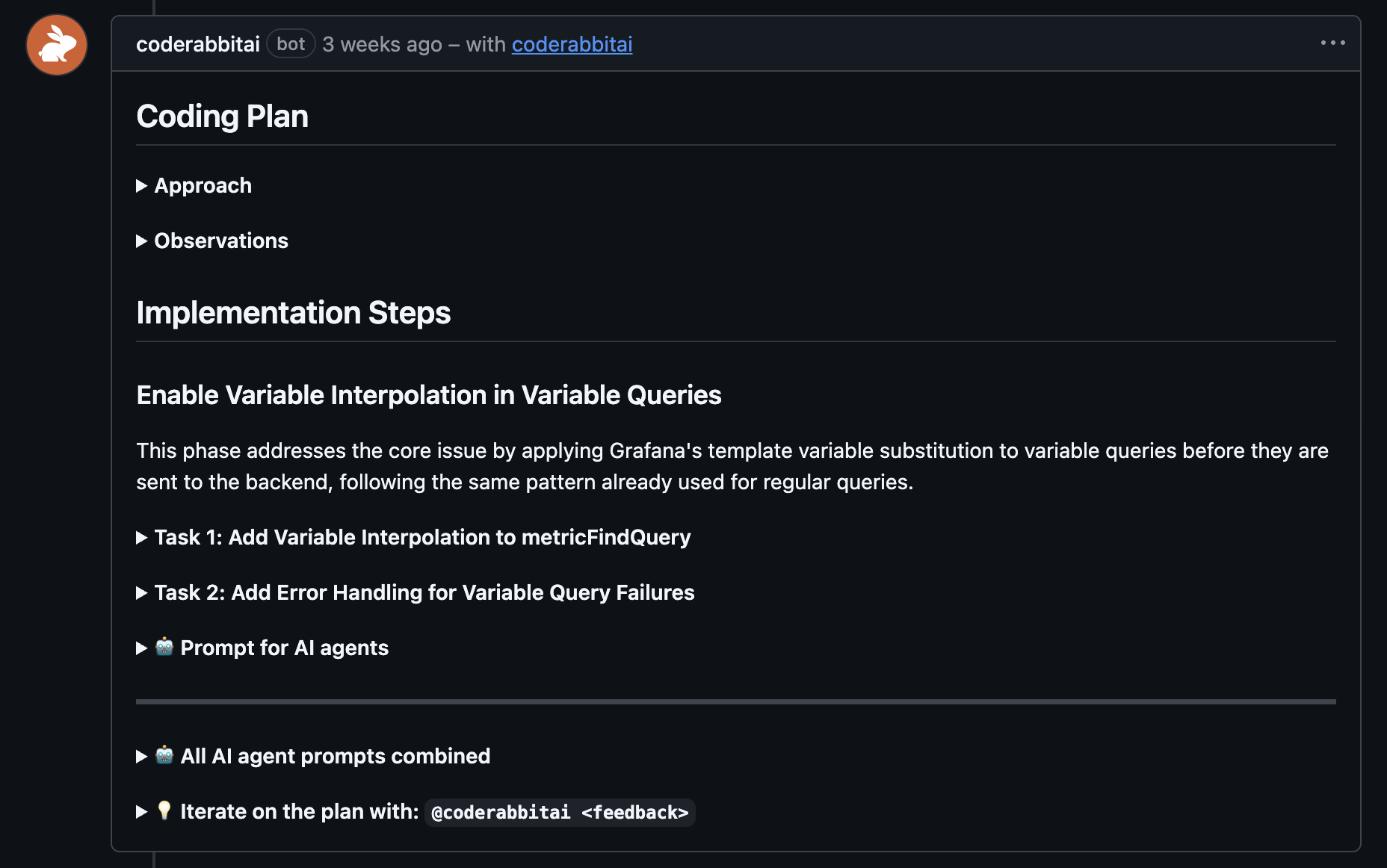
Coding Plan posted as a comment on a GitHub issue
Chatting about Your Plan
Reply to the Coding Plan comment on the issue to:- Ask questions about the plan or the codebase
- Request changes to specific tasks or phases
- Challenge design choices and provide additional context
- Get clarification on implementation details
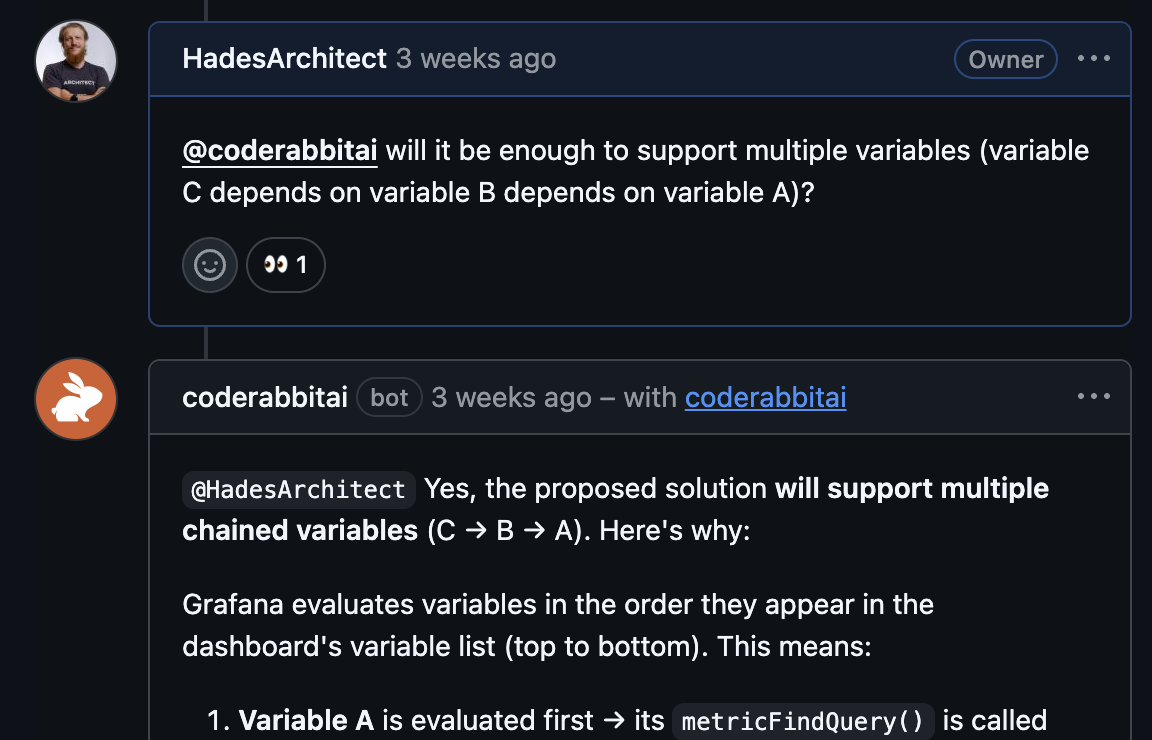
Discuss the Coding Plan with CodeRabbit
Re-planning
Once asked to make changes, CodeRabbit will respond to your comment and update the plan accordingly. You can also comment@coderabbitai plan again on the issue to regenerate the plan from scratch.
Handing off to your coding agent
Copy the agentic prompts from the Coding Plan comment on the issue, and paste them into your preferred coding agent (Claude Code, Cursor, GitHub Copilot, etc.). Alternatively, if your coding agent can access GitHub directly (for example, through the GitHub MCP), you can simply ask it tofetch the issue by its number and execute CodeRabbit's plan.